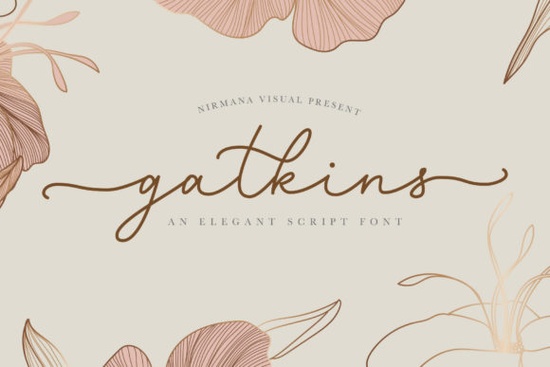
Finding the right script typeface for a romantic project can take hours of scrolling through endless options. If you need a typeface that mimics classic calligraphy without looking messy or illegible, the Gatkins Font is a highly practical choice. It offers a varying baseline and smooth lines that give your text a natural, hand-lettered feel. Whether you are designing wedding invitations, creating custom mugs for your print-on-demand shop, or making vinyl decals, this typeface provides the elegant touch your project needs.
How does a varying baseline improve hand-lettered designs?
When you type with a standard font, every letter sits perfectly on the same straight line. While this is great for body text, it makes script fonts look rigid and unnatural. A varying baseline means the letters bounce slightly up and down, mimicking the way a real calligraphy pen moves across paper. This subtle movement makes your text look organic and custom-drawn, which is exactly what clients look for in boutique branding and personalized gifts.
What projects work best with romantic script typefaces?
This style of lettering is incredibly versatile, but it truly shines in projects that require a soft, personal touch. When planning a bridal suite, pairing this style with a clean serif or looking at other elegant lettering options for weddings helps create a cohesive, professional look.
It is also highly popular for baby shower invites and birth announcements, especially when combined with softer typefaces designed for maternity announcements. The romantic curves add a warm, welcoming feel to any family-oriented design.
However, not every project needs a heavy, traditional calligraphy look. If you want something more relaxed for a casual apparel line, you might explore cozy and relaxed lettering styles instead. For a sharper, more modern contrast on cosmetic packaging, some designers like to mix it with clean and crisp script alternatives. Alternatively, if your brand needs a simpler, single-weight look for minimal logos, checking out minimalist monoline options might be a better fit.
How do you access the extra glyphs and swashes?
One of the most frustrating parts of using decorative fonts is finding the extra swashes and ligatures. This typeface is PUA encoded, which solves that problem entirely. PUA encoding means all the special characters are mapped to standard keyboard slots.
You do not need expensive design software like Adobe Illustrator to use these features. If you are using basic tools like Canva, Microsoft Word, or Cricut Design Space, you can simply open your computer's Character Map on Windows or Font Book on Mac. From there, you can copy the specific swash or alternate letter you want and paste it directly into your design canvas.
What are ligatures and why do they matter?
Ligatures are special characters that combine two or more letters into a single, flowing glyph. For example, the connection between an "s" and a "t" might have a beautiful looping swash that standard letters lack. Using the included ligatures prevents awkward gaps between letters and ensures your words connect smoothly, just like real handwriting.
Is this typeface easy to use for crafters and beginners?
Yes, it is very beginner-friendly. Crafters using cutting machines like Cricut or Silhouette will find the smooth lines easy to weed. Because the lines are solid and the curves are well-drawn, you will not run into the tiny, jagged edges that often cause vinyl to tear during the weeding process. Just make sure to weld your letters together in your cutting software so the word cuts as one continuous piece.
Checklist for testing your new typeface
Before you finalize your design or send a proof to a client, run through this quick checklist to ensure your text looks perfect:
- Check the connections: Look closely at where the letters join. Use alternates or ligatures if a connection looks awkward or broken.
- Test the readability: Step back from your screen. If you have to squint to read the words, try increasing the letter spacing slightly or switching to a simpler alternate.
- Review the baseline: Ensure the bouncing letters do not overlap with the text directly below them. Give your lines plenty of breathing room.
- Weld for cutting: If you are making physical crafts, always weld or attach the text in your cutting software before sending it to your machine.
- Pair with a simple font: Balance the decorative script with a very basic, clean sans-serif or serif font for your secondary text to keep the design easy to read.
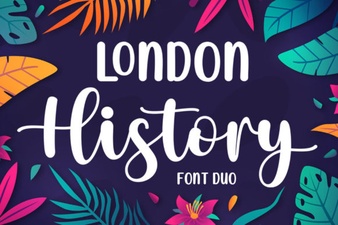 Creative Typography: London's History Through Duo Fonts
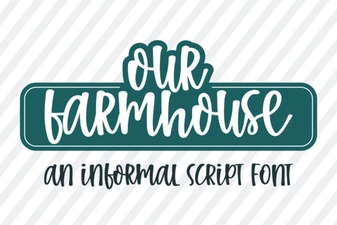 Our Farmhouse Font for Creative Projects
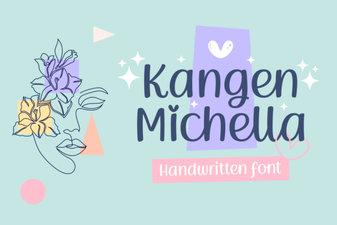 Kangen Michella Font: Creative Projects and Uses
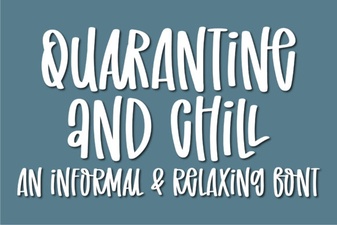 Quarantine and Chill Font for Creative Projects
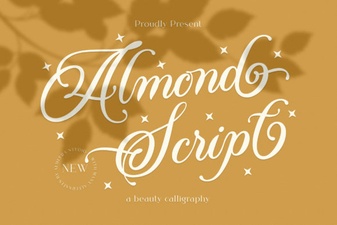 Almond Script: a Beautiful & Creative Font
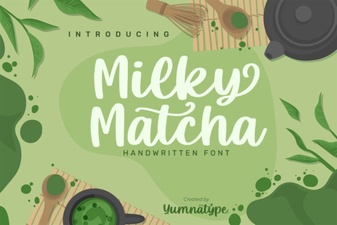 Milky Matcha Font: a Creative Design Toolkit