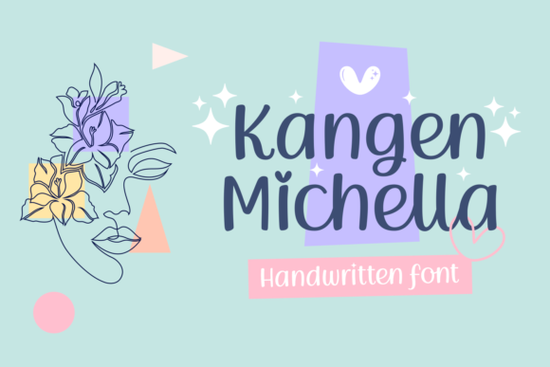
Finding the right handwriting style for a creative project can take hours of scrolling through endless options. If you need something warm and personal, the Kangen Michella Font offers a lovely, approachable script that feels like it was written by hand. It includes charming extra elements that make it highly versatile for both digital and physical crafts, saving you time when designing custom pieces.
What makes this handwritten typeface stand out?
Many script typefaces look too formal or rigid, but this design leans into a relaxed, playful vibe. The letterforms feature soft curves and cute decorative elements that add a personal touch to any layout. Because it is PUA encoded, you do not need expensive design software to reach the alternate characters. You can easily pull up the extra swashes and ligatures right inside basic programs.
If you are exploring other options in the same style, you might also enjoy browsing through casual handwriting styles to see how different letter weights change the overall mood of a project. Comparing a few different files helps you decide which one fits your specific brand voice best.
How can crafters and small businesses use it?
Print-on-demand sellers and DIY crafters need typefaces that remain readable when scaled down or cut from vinyl. This script works beautifully for a wide variety of physical products. It is highly effective for:
- Custom t-shirt graphics and tote bag prints
- Wedding invitations and greeting cards
- Social media quote templates for small business accounts
- Sticker designs and planner inserts
- Mug decals and wooden sign engravings
When designing merchandise, pairing a flowing script with a clean sans-serif usually yields the best results. For instance, combining it with another elegant script option for secondary text can create a nice visual hierarchy without cluttering the design. Keeping your text legible is the most important factor when selling physical goods.
For those who prefer a slightly more modern, bouncy feel for their craft projects, looking at playful lettering choices might give you fresh ideas for your next sticker sheet or apparel line.
Is it easy to access the extra swashes and glyphs?
Yes, the PUA encoding is a massive time-saver for crafters using Cricut Design Space, Silhouette Studio, or Canva. Instead of copying and pasting from a character map, you can access the full glyph panel directly within your software. This means you can quickly swap out a standard lowercase letter for one with a beautiful, sweeping tail.
Learning how to manipulate these swashes is essential for making your text look like authentic calligraphy rather than just typed letters. If you want to compare how different fonts handle their alternate characters, checking out floral-inspired script alternatives can show you how decorative elements change the spacing and flow of your words.
For more context on how typography impacts digital layouts and crafting projects, you can read this external overview of Kangen Michella and similar handwritten styles to understand current design trends.
Where does it fit in digital planning?
Beyond physical crafts, this typeface is highly useful for digital organization. It is actually included in the Creative Fabrica class called "Get Started with Digital Planning." This makes it a practical choice for designing custom digital planner covers, weekly spread headers, or digital journal stickers.
If you want to see more specific examples of how this exact typeface performs in various layouts, you can browse the dedicated script collection page for detailed previews and user projects. Seeing the font in action helps you visualize it on your own digital planner pages.
What should you check before finalizing your design?
Before you send your project to the printer or cut it on your vinyl machine, run through a quick quality check to ensure your text looks professional.
- Check the spacing: Make sure the swashes do not overlap awkwardly with the next letter.
- Test the scale: Shrink the text down to the actual print size to verify it is still easy to read.
- Review the contrast: Ensure the thin parts of the script are thick enough to cut cleanly on a vinyl plotter.
- Proofread the text: Always double-check your spelling before cutting or printing, especially with custom names.
Taking these few extra minutes to review your layout will save you wasted materials and ensure your final product looks polished and ready to sell.
Get Started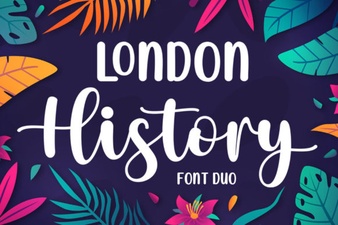 Creative Typography: London's History Through Duo Fonts
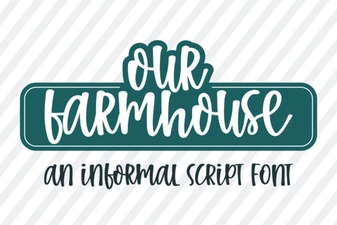 Our Farmhouse Font for Creative Projects
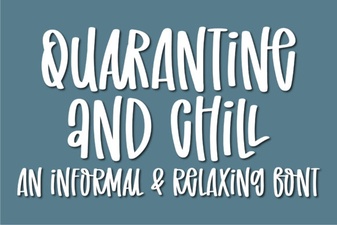 Quarantine and Chill Font for Creative Projects
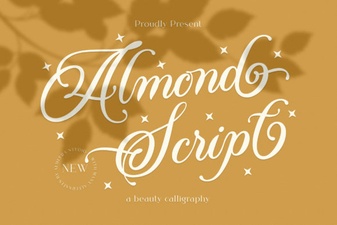 Almond Script: a Beautiful & Creative Font
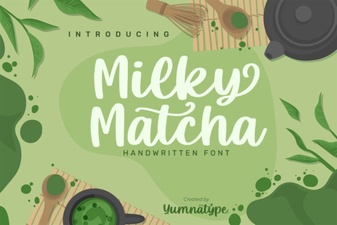 Milky Matcha Font: a Creative Design Toolkit
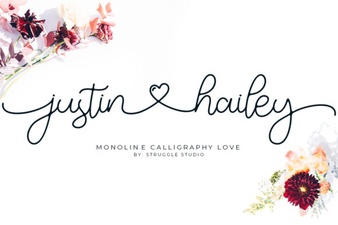 Justin Hailey Monoline Font: Download & Usage Guide